


Pinnacle Studio 26: Advanced Editing Power with Creative Freedom
Pinnacle Studio 26 has become a trusted choice for editors who want the perfect mix of power and creativity. Known for its professional-grade tools, smooth performance, and precise control, this video editing software empowers creators to push the boundaries of their storytelling.
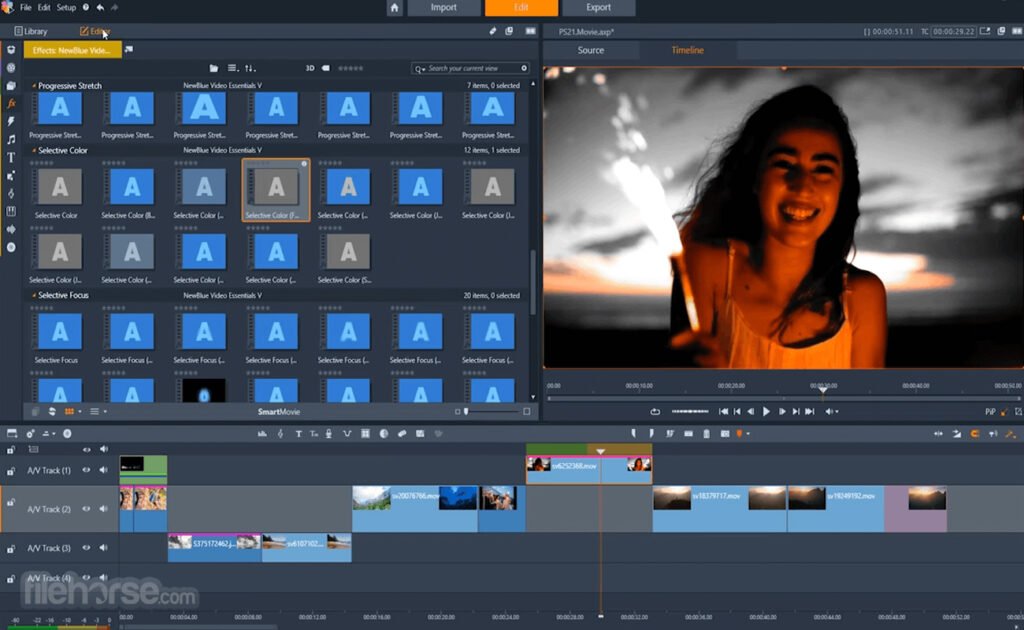
With Pinnacle Studio 26, you get advanced timeline editing, multi-camera editing, and customizable workspaces that give you full creative control. Its support for 8K video editing ensures smooth handling of high-resolution projects, while enhanced keyframing lets you fine-tune effects with unmatched precision.
One of the highlights of Pinnacle Studio 26 is its library of creative effects, transitions, and templates that make your projects stand out. Whether you’re producing cinematic films, YouTube content, or marketing videos, Pinnacle provides the tools to elevate your storytelling. Motion tracking, split-screen video, and advanced masking add a professional edge to your work.
Performance has also improved significantly, thanks to GPU acceleration and optimized rendering. Exporting projects is faster and smoother, saving valuable time during production. The software’s color grading tools let you achieve the exact look and feel you envision, from subtle enhancements to dramatic cinematic tones.
For creators looking for balance, Pinnacle Studio 26 offers both power and accessibility. Beginners can use ready-made templates and guided editing, while professionals can dig deep into its advanced toolset. This dual flexibility makes it a great option for all levels of video editors.
If you want an editor that combines speed, control, and creativity, Pinnacle Studio 26 is a strong contender in today’s video editing landscape.
Why Choose Pinnacle Studio 26?
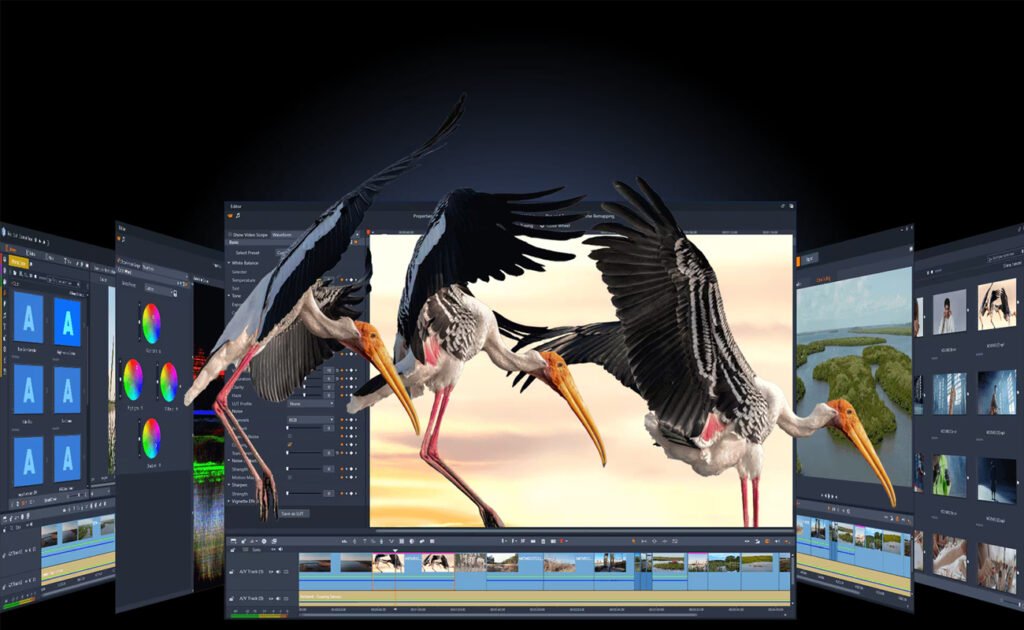
Unlike beginner-friendly editors, Pinnacle Studio 26 is designed for those who want granular control over every detail. From multi-camera editing to advanced masking, it empowers creators to bring complex projects to life with precision.
Key Features
- MultiCam Editing – Edit footage from up to 6 cameras simultaneously.
- Advanced Masking Tools – Create cinematic effects, remove objects, or apply targeted edits with precision.
- Motion Tracking – Track moving objects and apply text, graphics, or effects that follow seamlessly.
- Keyframe Precision – Fine-tune every transition, effect, and motion with full keyframe control.
- Color Grading – Professional-level color wheels, LUTs, and selective color adjustments for cinematic visuals.
- Audio Ducking & Editing – Balance dialogue, music, and effects with advanced audio tools.
- Screen Recording & Split-Screen – Perfect for tutorials, gaming content, or presentations.
- 4K & 360° Video Support – Edit immersive, high-resolution footage with ease.
Benefits for Different Users
Content Creators & YouTubers: Add professional polish with multi-cam support, motion graphics, and cinematic effects.
Business Professionals: Produce promotional videos, training materials, and corporate presentations.
Filmmakers & Hobbyists: Explore advanced storytelling with full creative freedom at an affordable price.
Educators & Trainers: Build dynamic lessons, tutorials, and recorded lectures with screen-capture features.
Why Choose Pinnacle Studio 26?
- Supports up to 8K video editing
- Advanced keyframing for precision control
- Motion tracking and masking for creative effects
- Color grading to achieve cinematic tones
- GPU acceleration for faster exports
- Templates and guided modes for beginners
These features make it clear that Pinnacle Studio 26 is not just another editing tool—it’s a creative powerhouse.
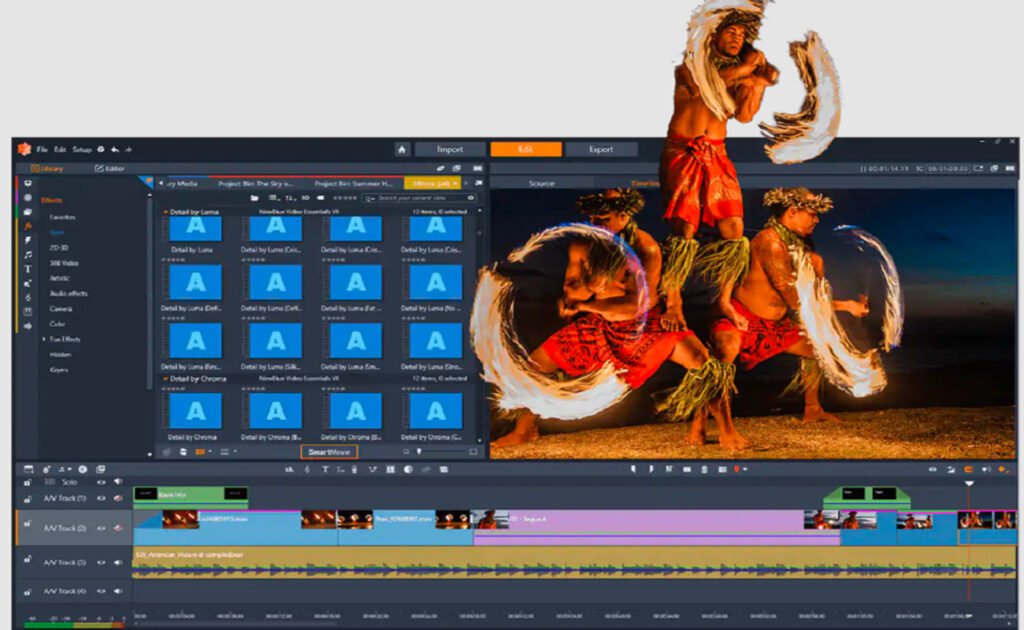
Performance and Workflow
Pinnacle Studio 26 is optimized for speed and stability, ensuring smoother playback and faster rendering compared to previous versions. Its customizable workspace allows editors to design their workflow, while GPU acceleration enhances efficiency when handling 4K or complex projects.
Pinnacle Studio 26 isn’t just another video editor—it’s a creative powerhouse built for those who want professional-level control without breaking the bank. With its advanced masking, color grading, and multi-camera capabilities, it opens the door for editors to push their storytelling boundaries. If you’re ready to level up from beginner tools and embrace advanced editing, Pinnacle Studio 26 is a worthy choice.
